During COVID, I stepped into social VR for the first time
and immediately thought: “Wow — I want to make this myself.”
What began as curiosity quickly became a creative hobby that kept growing.
Starting in AltspaceVR and continuing with Blender, Unity
and VRChat, I learned how virtual places are built — and how
much lighting, atmosphere and small practical systems shape
the way a world feels.
Today I have two carefully lit VRChat worlds and I build tools
for presentations, events and shared spaces. I especially enjoy
the point where a beautiful environment and an easy-to-use
experience come together.
World building and lighting are part of my personal work and portfolio.
They are not currently offered as services.
NEW TO SOCIAL VR?
Step inside instead of just looking at a screen.
Meet people, explore virtual places, attend events,
watch presentations and share experiences together.
A VR headset makes it more immersive, but many VRChat
worlds can also be explored from a regular computer.
Two worlds, each built for a different kind of experience.
Both started as personal projects and grew through years
of experimenting with atmosphere, lighting and the small
details that make a virtual place feel right.
YOUR VRCHAT SCREENSHOT
VRCHAT WORLD
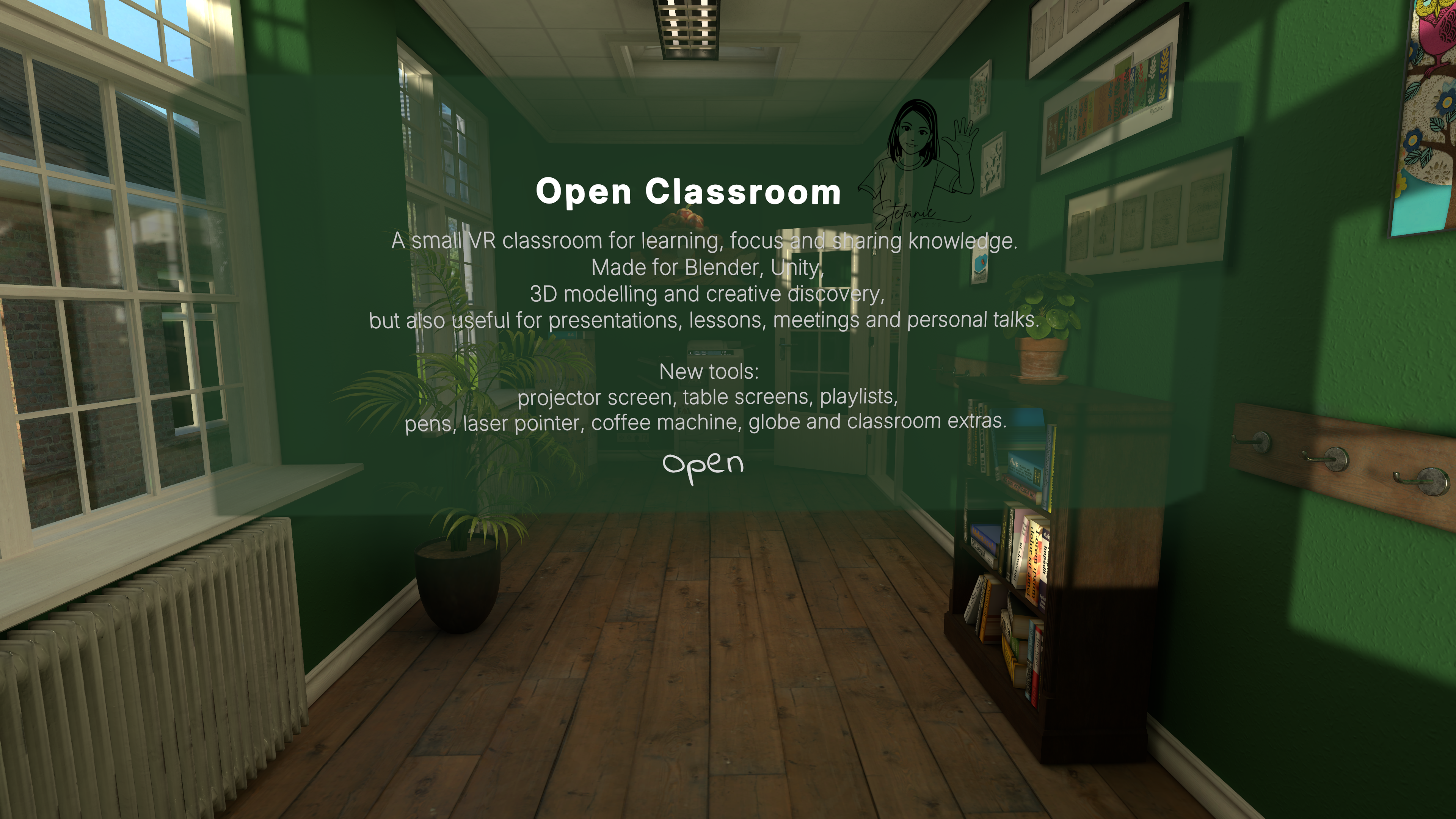
Open Classroom by StefanieInVR
A calm VR space for learning, focus and sharing knowledge.
Built for tutorials, workshops, study sessions,
presentations and creative demonstrations.
A warm and flexible venue for film nights,
lectures, presentations and panel discussions,
with different stage and lighting setups for each occasion.
A planned automatic camera system will bring speakers
and guests closer to the audience by showing them live
on the big screen.
Use the links above to visit either world in VRChat.
LATEST NEWS
The Presentation Service is live.
The Free Beta is open and ready to use. I’m now testing it
with real presentations, listening to feedback and making
small improvements.
LIVE BETA
Presentation Service is now live
The Presentation Service is now live and ready for beta testing in Open
Classroom. Presentations can be uploaded as PDF files and used directly in
VRChat. The next step is testing it in real use, gathering feedback and making
small improvements where needed.
IN DEVELOPMENT
Next up: the Art House Cinema
Next, I’m bringing the presentation features into the Art House Cinema,
connecting the room controls and lighting for presentations and events, and
fine-tuning a camera system that can automatically follow the person using the
microphone.
BUILDING
New update
Write a short update in the local editor when you
are ready to share something new.
MANUALS & NOTES
Notes I wrote for myself — shared in case they help you too.
These manuals grew from questions I wanted to solve
and steps I wanted to remember. I keep writing them
for my own reference, but when something may be useful
to another creator, I’m happy to share it here.



 YOUR VRCHAT SCREENSHOT